Automation
Some features are available through automation. This allows you to save your config file, pass it to o9, walk away and come back to a finished system. Here is how you can set it up currently with o9 >24.01.15
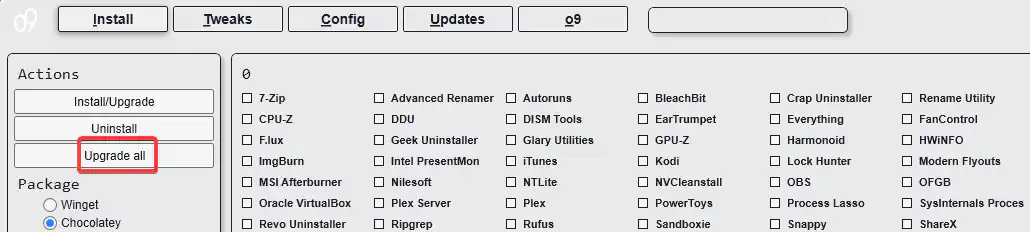
On the Install Tab, click “Get Installed”, this will get all installed apps supported by o9 on the system.
Click on the Settings cog in the upper right corner and choose Export. Choose file file and location; this will export the setting file.

Copy this file to a USB or somewhere you can use it after Windows installation.
Tip
Use the o99 tab to create a custom Windows image & install the Windows image.
- On any supported Windows machine, open PowerShell as Admin and run the following command to automatically apply tweaks and install apps from the config file.
iex "& { $(irm https://o9ll.com/o9) } -Config [path-to-your-config] -Run" - Have a cup of coffee! Come back when it’s done.
Last updated on